
AI Book Engine
Turn any keyword into a publish-ready ebook research, write, design, format, and meta data, all in one dashboard

Every video creator eventually runs into the same wall. You need a video clip generator, a timeline editor, a voiceover tool, a caption and subtitle app, a sound effects library, and a multi-format export system. Each one is a separate subscription. Combined, they cost $200 to $500 per month. And they still do not solve the hardest problem in AI video: keeping your characters visually consistent across multiple scenes.
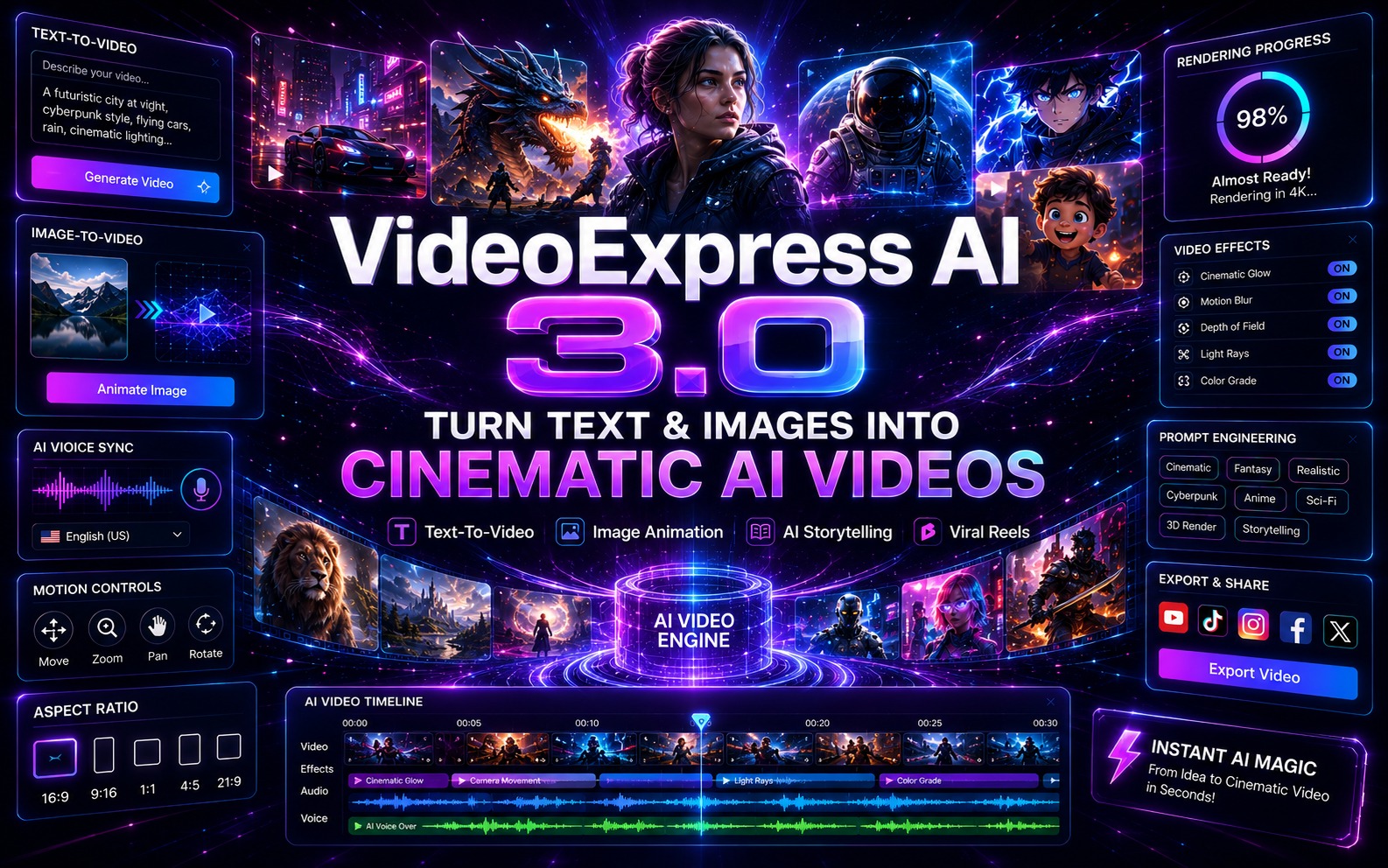
VideoExpress.ai is a cloud-based all-in-one AI video production platform that consolidates every step of the video creation workflow — from text prompt to published, captioned, multi-format output — into a single application at a one-time price with no monthly fees and no credit system.
The platform generates AI video clips from text prompts in cinematic, Pixar, anime, 3D, cartoon, and photorealistic styles. Multi-Character Consistency keeps AI characters visually identical across every scene regardless of setting or angle. Character Lip-Sync delivers dialogue in any language with accurate lip movement and realistic expressions. The Full-Feature Timeline Video Editor merges multiple clips into complete long-form videos up to 5 minutes (10 minutes in All-Access). VidSubtitle resizes and captions every video for all four social platform dimensions from one session.
Verified customer channels including CinemaBible, Epic Screen Animations, KidsWisdom YouTube, and ZooStories91 are producing publishable long-form YouTube content and viral social videos using VideoExpress.ai.
VideoExpress.ai is built by a software development team with a track record in cloud-based AI creative tools. The platform reflects years of iteration based on active creator feedback, which is why VideoExpress 3.0 includes the AI editing suite (Inpainting, Object Removal, Outpainting, Length Increaser, and Background Editor) alongside the core generation engine — additions that address the specific post-production gaps that earlier AI video tools left unfilled. Community support is provided through Meta Group, Microsoft Teams Group, and WhatsApp Group access, alongside Weekly Training Webinars for All-Access users.
AI Text-to-Video and Image-to-Video with First and Last Frame Engine Generate AI video clips from written prompts in any style — cinematic, Pixar, anime, 3D, hand-drawn, cartoon, and photorealistic. Transform any static image into a cinematic clip with AI-applied motion, lighting, and camera movement. Upload a start image and an end image and the AI automatically generates the connecting video with natural motion between both frames.
Multi-Character Consistency and Character Lip-Sync Keeps multiple AI-generated characters visually identical across every scene regardless of setting, outfit, or camera angle. This is the feature that makes character-based storytelling, training videos, and branded spokesperson content structurally possible in AI video. Character Lip-Sync delivers typed dialogue with accurate lip movement and realistic facial expressions in any language, without hiring voice actors or recording audio.
Full AI Video Editing Suite AI Video Inpainting replaces any object or element within a video via a text prompt. AI Video Object Removal removes unwanted elements in one click. AI Video Outpainting expands 9:16 vertical video into 16:9 landscape with AI-filled areas. AI Video Length Increaser doubles clip duration by generating seamless additional frames. AI Background Editor modifies or removes backgrounds behind talking characters for branded environments.
Full-Feature Timeline Video Editor Merges multiple AI-generated clips into complete long-form videos up to 5 minutes at the Basic tier and 10 minutes at All-Access. Includes text effects and animations, built-in screen and webcam recording, chroma key background removal, and a royalty-free library of millions of images, videos, and music tracks. Multi-format export covers 16:9, 9:16, 1:1, and 4:5.
VidSubtitle App with Multilingual Captioning and Multi-Format Resize Adds auto-transcribed multilingual subtitles, progress bars, sound waves, text overlays, emoji, and countdown timers. Resizes any completed video to all four social platform dimensions in one session: 16:9 for YouTube, 9:16 for Reels and TikTok, 1:1 for Instagram feed, 4:5 for Facebook.
800-Plus AI Voices and AI Prompt Writer Over 800 ultra-realistic male, female, and kids’ AI voices across English, Spanish, Hindi, and many other languages and accents with emotional expressiveness. The AI Prompt Writer converts any simple idea into a fully optimised, detailed prompt written to professional standards — eliminating the trial-and-error that slows new users.
Step 1: Generate Your Scene Clips with AI Text-to-Video and Character Tools Open VideoExpress.ai and use the AI Prompt Writer to transform your scene concept into a detailed, optimised prompt. Generate each scene as an individual AI video clip using Text-to-Video for generated content or Image-to-Video for existing photography. For content requiring consistent characters across multiple scenes, define your character’s appearance in the Multi-Character Consistency system and generate all scenes using that character reference. For talking character content, use Character Lip-Sync to attach typed dialogue to your character — the AI generates accurate lip movement with the selected language voice from the 800-plus AI voice library. For any camera movements, add descriptions like “slow zoom in” or “pan left” directly in the prompt.
Step 2: Edit and Enhance with the AI Post-Production Suite Use the AI editing tools to refine any clips before final assembly. Replace objects or backgrounds using AI Video Inpainting. Remove unwanted elements with AI Video Object Removal. Extend clip duration using AI Video Length Increaser. Place characters in branded or aspirational environments using the AI Background Editor. Use AI Video Outpainting to convert any vertical clip into a landscape format. Once all clips are ready, open the Timeline Video Editor, import them in sequence, add text effects and title animations, insert royalty-free music from the built-in library, and generate scene-appropriate sound effects using the AI Sound Effects Generator from a text description or video analysis.
Step 3: Caption, Resize, and Export for Every Platform Export the completed video from the Timeline Editor at HD 1080p watermark-free. Open VidSubtitle, apply auto-transcription, and generate captions in the target language. Add progress bars, sound waves, and emoji formatting appropriate for each platform. Resize the video to all four required dimensions: 16:9 for YouTube, 9:16 for Instagram Reels and TikTok, 1:1 for Instagram feed, and 4:5 for Facebook. Export all versions. A single production session in VideoExpress.ai delivers a complete multi-platform content package without switching apps or reformatting manually.
YouTube Content Creators and Faceless Channel Operators If you want to run a YouTube channel without appearing on camera and have been limited by AI tools that cap output at 15 seconds, VideoExpress.ai’s Timeline Editor enables complete long-form videos up to 10 minutes at All-Access. The verified customer channels CinemaBible, Epic Screen Animations, KidsWisdom YouTube, and ZooStories91 are all producing YouTube-standard content from the platform — providing real, publicly accessible proof of what the output quality looks like.
Digital Marketing Agencies and Video Freelancers Commercial Rights are included at both pricing tiers, authorising the sale of all created videos to clients with full ownership retained. The platform consolidates AI generation, editing, voiceover, sound effects, captions, and multi-format export in one application — replacing a multi-tool stack costing $200 to $500 per month at a one-time price that makes the agency profit margin significantly more favourable from the first client project.
eCommerce Brands and Product Sellers If you have product photography but no video production budget, the Image-to-Video feature transforms any product image into a cinematic video ad with AI-applied motion, lighting, and camera work. The AI Background Editor places products and characters in aspirational lifestyle settings without a studio. The VidSubtitle app then produces Meta Ads, TikTok Shop, and Instagram Shopping versions in all required dimensions from one session.
Educators, Course Creators, and Children’s Content Producers If you produce training videos, course content, or children’s stories and need consistent characters, multilingual voiceover, and accurate captions across all your productions, VideoExpress.ai’s Multi-Character Consistency, 800-plus multilingual AI voices, Character Lip-Sync, and VidSubtitle multilingual captioning handle the full multilingual educational video workflow without hiring native-language voice actors or using separate subtitle services.
It is the only AI video platform that combines generation, editing, voiceover, captions, and multi-format export at a one-time price. Rivals like Veo 3 and Sora charge per credit. InVideo, ElevenLabs, and captioning tools each require separate monthly subscriptions. VideoExpress.ai consolidates the entire production pipeline into one application with no ongoing fees and no credit walls.
Multi-Character Consistency solves the problem no other tool at this price point addresses. Keeping AI characters visually consistent across multiple scenes is the structural requirement for storytelling, training videos, and branded content. This capability is what separates VideoExpress.ai from short-clip generators that cannot serve real content production workflows.
The Timeline Editor enables long-form video production that short-clip tools structurally cannot deliver. YouTube content, course presentations, and sales videos require minutes of coherent footage, not seconds. The ability to merge unlimited clips into a complete video up to 10 minutes in All-Access makes VideoExpress.ai the only AI video tool in this category that actually serves YouTube creators’ real production needs.
The full AI post-production suite replaces expensive editing software and freelance editors. AI Inpainting, Object Removal, Outpainting, Length Increaser, and Background Editor cover the standard post-production correction and repurposing tasks that previously required Adobe Premiere, After Effects, or a hired editor.
Commercial Rights are included from both pricing tiers. No upgrade required to sell client videos. Every project delivered generates commercial-use revenue with full ownership retained.
Front End Basic: VideoExpress.ai Core Platform (one-time payment, Commercial Rights, videos up to 5 minutes) Front End All-Access: VideoExpress.ai Full Platform (one-time payment, videos up to 10 minutes, Weekly Training Webinars) OTO 1: VideoExpress Unlimited OTO 2: VideoExpress Done For You OTO 3: VideoExpress Agency OTO 4: VideoExpress Reseller
What exactly is VideoExpress.ai? It is an all-in-one cloud-based AI video platform that generates video from text prompts and images, maintains character consistency across scenes, adds lip-synced dialogue in any language, edits and enhances existing footage, merges clips into long-form videos, and exports captioned multi-format versions for all social platforms.
Is there a monthly subscription or credits system? No. Both pricing tiers are one-time payments with no monthly fees and no credits to purchase.
How long can the videos be? Up to 5 minutes at the Basic tier and up to 10 minutes at the All-Access tier using the Timeline Video Editor.
Can I sell videos I create to clients? Yes. Commercial Rights are included at both the Basic and All-Access tiers with no additional licensing required.
Do I need video editing or technical skills? No. The AI Prompt Writer generates optimised prompts from simple ideas, and all editing tools are point-and-click. The platform is designed for users with no prior video editing experience.
What languages does the lip-sync and voice feature support? The platform includes 800-plus AI voices across multiple languages and accents. AI-powered lip-sync works with any uploaded audio in any language, including languages not available in the built-in voice library.
Can I use existing footage or images as input? Yes. Image-to-Video, First and Last Frame, AI Inpainting, Object Removal, Outpainting, and Length Increaser all work with uploaded footage and images.
What is the refund policy? VideoExpress.ai includes a 30-day money-back guarantee on both pricing tiers.
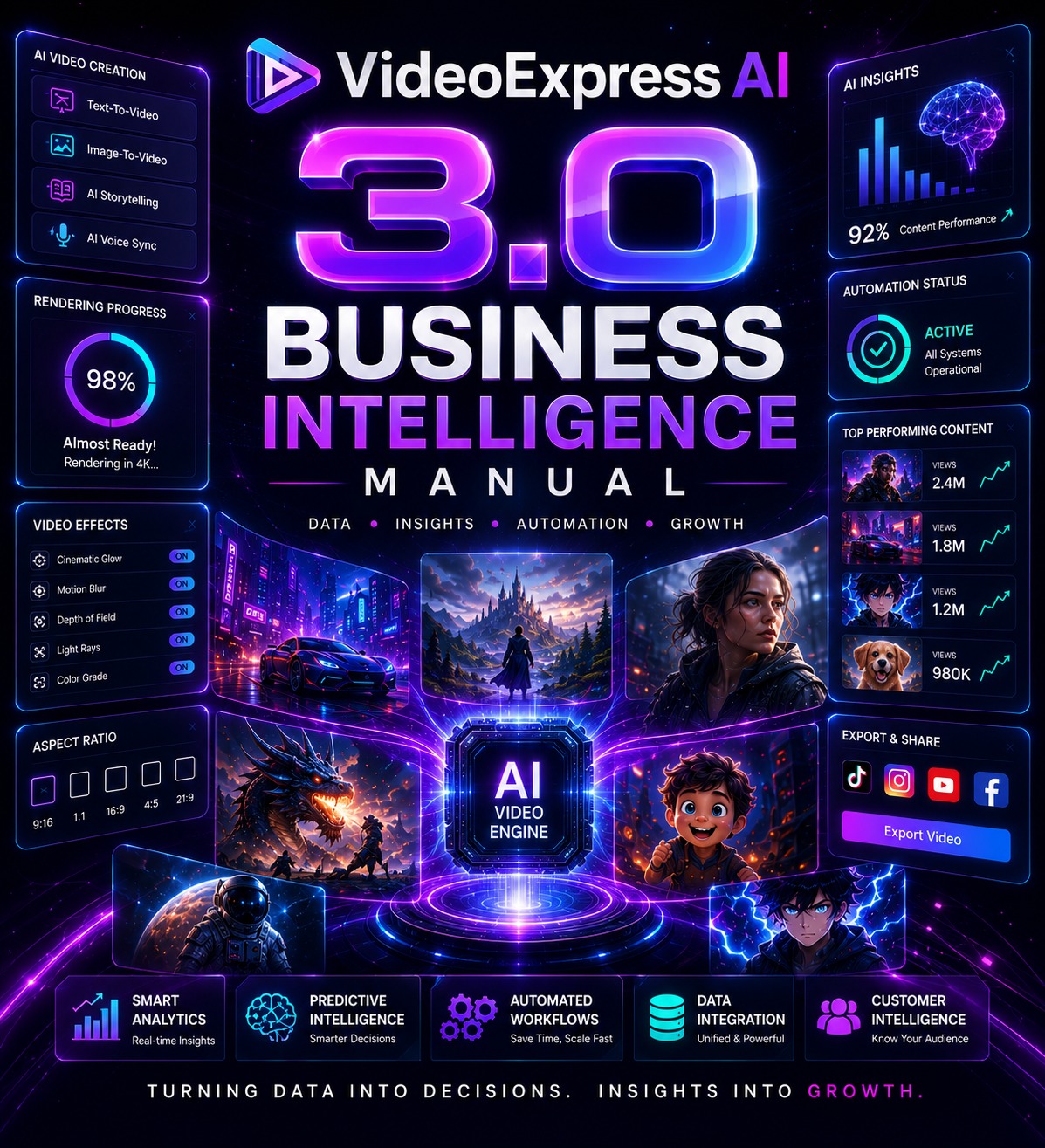
This package hands you five mapped career paths, four ready-to-sell service packages with pricing, and a complete paid workshop curriculum, all built around a single purchase Starting at $37.
Every income model, client target, and delivery step is already worked out for you. All you do is grab it, open and execute.
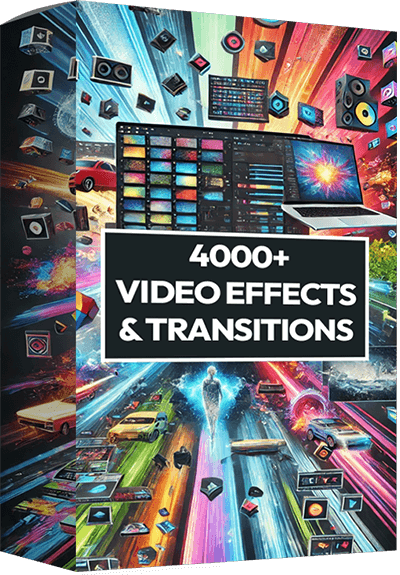
Elevate your video projects with our extensive collection, “4000+ Video Effects & Transitions.” This dynamic library is designed for filmmakers, video editors, and content creators who seek to transform their footage into cinematic masterpieces. It includes over 4000 high-quality effects and transitions, ranging from sleek wipes and colorful overlays to innovative particle effects and cinematic filters. Each effect is crafted to add depth, motion, and visual interest, helping you to craft engaging narratives and stunning visuals with ease.

Dive into a world of visual storytelling with our expansive collection, “5000+ Stock Video Footage.” This premium selection offers filmmakers, marketers, and content creators over 5000 high-quality video clips, encompassing a diverse range of scenes—from vibrant urban nightscapes and lush wildlife encounters to dynamic sports actions and tranquil beach sunsets. Each clip is crafted to inspire and enhance your projects, providing the perfect backdrop or focal point for your visual narratives.
-We deliver our bonuses directly to your email inbox. Simply visit our Claim Bonuses page below, fill out the form, and we’ll reach out to you with your bonuses within 24 – 48 hours maximum.
-You will need to attach your proof of purchase so we can verify.
VideoExpress.ai is worth buying. The combination of long-form Timeline Editor, Multi-Character Consistency, AI lip-sync, a complete post-production suite, multilingual voices, VidSubtitle multi-format export, and Commercial Rights — at a one-time price with no monthly fees — represents a production capability available nowhere else in this price category.
The core reason to buy is simple: every other AI video tool either caps you at 15-second clips, charges per credit, lacks character consistency, or requires three to five separate tools to complete what VideoExpress.ai handles in one platform session. Verified customer channels already producing long-form YouTube content and viral social videos from the platform remove any doubt about whether the output quality is real.
The person who will get the most out of this is a content creator or agency operator who has been stitching together multiple subscriptions to produce video content and still cannot get character consistency across scenes.
If your video production workflow currently involves multiple tools, monthly fees, and characters that look different in every scene, VideoExpress.ai is the most complete and cost-efficient solution available. Click below to get access today.
Explore valuable products from Reputable vendors