
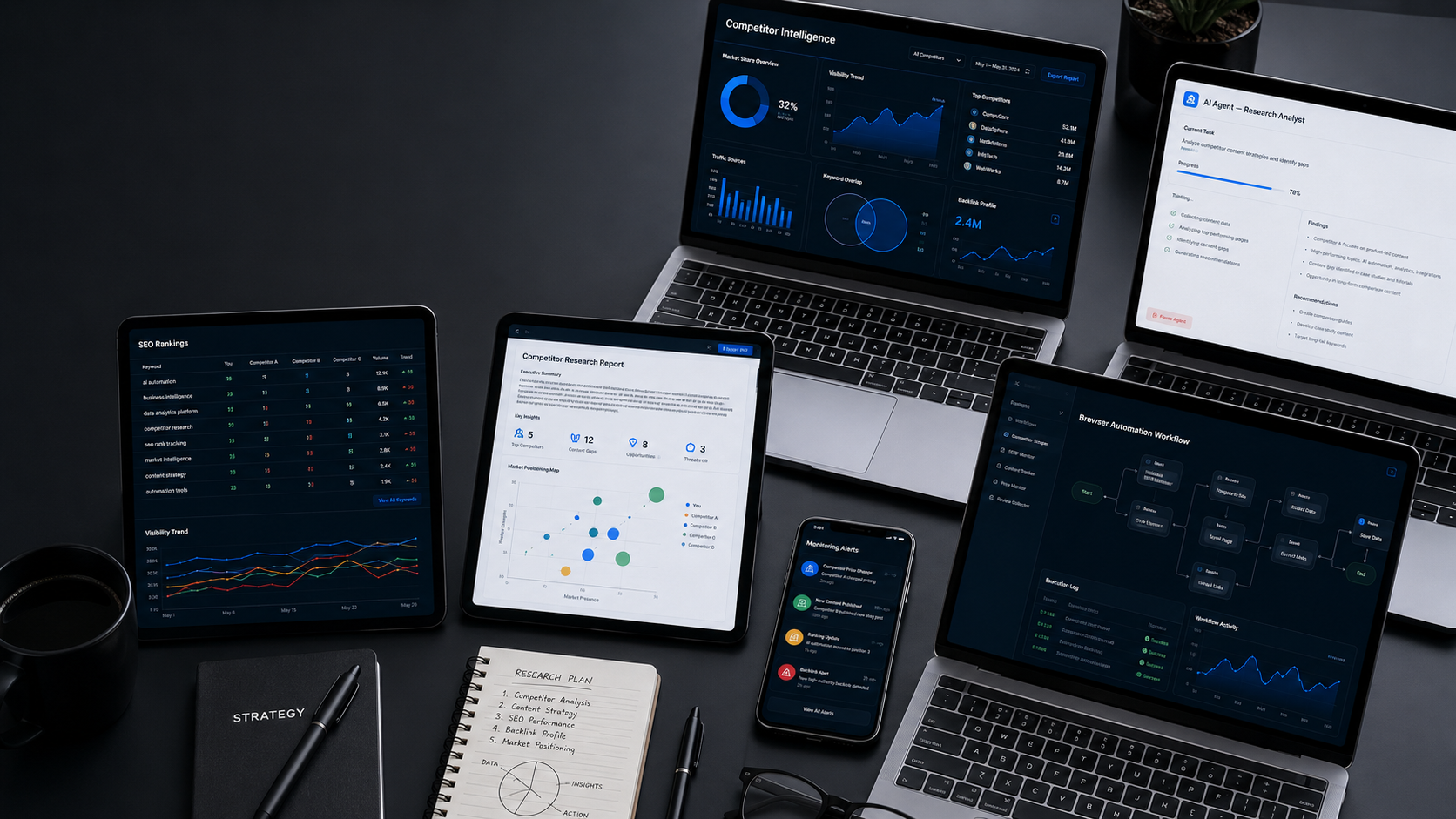
The difference between AI that generates content and AI that controls a real browser is the difference between a research assistant and an employee who actually shows up.
You know that moment when you ask an AI tool to help you find leads and it hands you a beautifully formatted list of instructions? Step one: go to Google Maps. Step two: search for dentists in your city. Step three: copy the name and phone number of each one. You stare at the screen. You paid for AI. You got a to-do list. This is the fundamental broken promise of the AI tools industry for online entrepreneurs. Not because AI is incapable of more, but because the tools sold to everyday business operators were never built to control a real browser and perform real web work. That distinction, between generating and acting, is the most important thing to understand about BrowseAgent. And once you understand it, every other AI tool you have used will feel like a notepad with a fancy label.
The Real Problem Nobody Talks About
Here is the technical truth about how almost every AI productivity tool in the market actually works.
These tools send your request to a large language model. The model generates text. That text could be a strategy, a script, a set of instructions, a social post, or a report outline. The tool then delivers that text to you. You then execute the actual steps yourself.
This is not a small limitation. It is the core reason why millions of online entrepreneurs have spent hundreds of dollars on AI subscriptions and still cannot point to automated income those tools produce without their own daily manual effort.
Web-based business tasks, the kind that generate leads, build client pipelines, post social content, monitor competitors, and produce sellable reports, require an agent that can actually navigate a browser, not just describe how to do it.
Before BrowseAgent, the only tools that could control a real browser were built for developers. OpenAI’s Operator requires a $200-per-month Pro subscription and technical knowledge to configure. Anthropic’s Computer Use and Google’s Project Mariner are research-phase tools not generally available to consumers at any price. Developer-grade automation platforms such as Selenium, Puppeteer, and Playwright require a programmer to build, maintain, and fix every workflow, and they break regularly when websites change.
For everyday online entrepreneurs, none of these options existed at a price or accessibility level that made sense. The gap between AI that talks about doing things and AI that actually does things has remained completely unaddressed for the mainstream online business audience, until now.
There Is a Better Way
The mechanism that makes BrowseAgent different has a straightforward name: hosted AI browser control.
A real Chromium browser, the same engine behind Google Chrome, runs in the cloud. BrowseAgent’s AI controls that browser visually, the same way a human does. It does not parse HTML code behind the scenes. It looks at the page as rendered on screen and interprets what it sees: buttons, forms, login fields, dropdown menus, popups, cookie banners, and dynamic content.
Because it sees the page visually rather than scraping underlying code, it handles the things that break every other automation tool: website redesigns, cookie consent popups, JavaScript-loaded content, and human verification challenges. When the page changes, BrowseAgent adapts. You do not need to call a developer or rebuild any workflow.
Everything runs in the cloud. You do not need a powerful computer. You do not need to keep your laptop open. The RepeatEngine Scheduler can run any mission on a daily, weekly, or hourly basis and email you the results when it is done, whether you are asleep, at church, or with your family.
The entire system is accessible through plain English. You type what you want done. BrowseAgent does it. There is no coding, no API key management, and no technical configuration required at any stage of operation.
Here Is What Happens When You Get It Right
The Live Browser Feed is the most important proof element BrowseAgent has. And it is not marketing language; it is a technical feature.
Every time a mission runs, you can watch the actual browser on your dashboard. You see the cursor move. You see pages load. You see forms fill in. You see data appear in real time. This is not a screen recording or an animation. It is the actual AI browser performing the actual task, visible to you as it happens.
This matters for one reason beyond the obvious: it removes the trust gap. Every previous AI tool you have bought asked you to trust that the tool was doing something useful behind the scenes. BrowseAgent shows you everything it does, in real time, in a browser you can see. There is no black box.
The documented results from BrowseAgent’s pre-built missions give a clear picture of what this mechanism produces in practice. The local SEO audit mission produces a branded, sellable $300 PDF report in under four minutes. The lead generation mission delivers a qualified prospect list of 50 businesses matching specific gap criteria to your inbox each morning. The affiliate article mission produces a complete, SEO-optimised 1,500-word review article with your affiliate links already inserted, ready to publish.
These are not things the AI described how to do. These are things the AI did, in a real browser, producing a real output, with commercial rights included so you can sell every single one.

✅ Ready to experience this for yourself?
👉 Click Here to Get BrowseAgent Now
👆 See exactly how BrowseAgent’s hosted AI browser control works and what it can produce for you.
Here Is Exactly How It Works, Step by Step
Understanding why this mechanism works differently starts with understanding what happens when you click run on a mission inside BrowseAgent.
What happens when you click run:
BrowseAgent sends your plain-English task to an AI reasoning layer that interprets what you want and breaks it into a sequence of browser actions. Then it launches a real Chromium browser in the cloud and begins executing those actions: typing in search bars, clicking links, scrolling pages, filling fields, extracting data, saving logins from your encrypted Browser Profile Manager, and posting content to sites where you have saved credentials.
The Live Browser Feed transmits the visual output of that browser session directly to your dashboard so you can watch in real time. A plain-English action log runs alongside the feed, narrating every step: visiting Google Business listing for ABC Dental, checking NAP consistency, found address missing from Yelp listing.
When the mission completes, Smart Results summarises the findings in a plain paragraph and exports the full data to CSV, Excel, or Google Sheets, whichever format you prefer.
Why it does not break like a scraper:
Traditional scrapers target specific HTML tags and element IDs. When a website moves a button or adds a new layer of JavaScript, the scraper loses its reference point and fails. BrowseAgent does not target HTML tags. It visually reads the rendered page, the same way you would, so it finds what it needs regardless of how the underlying code is structured.
Why the cloud hosting matters:
Because the browser runs in BrowseAgent’s cloud infrastructure, nothing happens on your device. Your laptop can be closed. The task keeps running. Multiple tasks can run simultaneously without any load on your hardware. The 12 months of cloud hosting included in the front-end purchase means there are no hosting costs, no server bills, and no technical infrastructure to manage.
But What If You Are Thinking This…
“I have tried automation tools before and they always break.”
That is because every automation tool you have tried before this one parsed HTML code rather than visually reading the page. BrowseAgent’s visual interpretation approach means it adapts to site changes the way a human assistant would, by looking at what is on the screen and responding accordingly. That is a fundamentally different architecture, not a better version of the same approach.
“I do not want to give BrowseAgent my login credentials.”
The Browser Profile Manager stores all login credentials using AES-256 encryption, the same standard used by major banks and government institutions. Your saved logins are kept private even from the BrowseAgent team. You control which saved login each task uses, and you can revoke access at any time.
“Can it really replace my VA?”
For web-based repetitive tasks such as lead research, data extraction, content posting, competitor monitoring, and report generation, yes. BrowseAgent performs the same category of work a virtual assistant charges $500 to $2,000 per month to perform, for a one-time $37 investment.
Is This for You?
The hosted AI browser agent mechanism inside BrowseAgent is the right fit for you if you run or want to run any online business model that depends on web-based information gathering, outreach, or content distribution.
That includes local SEO services, lead generation, social media management, affiliate content production, competitor research, e-commerce product research, and cold outreach. It also includes anyone who is currently paying a VA or a freelancer to perform any of these tasks manually.
If your income model requires someone, human or AI, to navigate websites, collect data, log into accounts, and post content at scale, BrowseAgent’s mechanism is the direct solution to your current bottleneck.
🔥 Do not keep waiting. The results are already there for the people who showed up.
👉 Click Here to Get BrowseAgent Now
👆 Let BrowseAgent’s real browser control do the heavy lifting.
The Bottom Line
The difference between AI that generates and AI that acts is the difference between a notepad and an employee. Standard AI tools gave you better notepads. BrowseAgent gives you an employee that works in a real browser, in the cloud, around the clock, for a one-time $37.
The mechanism is not theoretical. The browser is real. The actions are real. The outputs are real. And the commercial rights are included, so every output is yours to sell from the moment the mission finishes.
If you have been waiting for an AI tool that actually does the work, not just talks about it, this is the one.
💡 You have read this far. You already know what you need to do.
👉 Click Here to Get BrowseAgent Now
👆 Take the first step. You deserve results that actually work.






0 Comments